ROSA Image Writer (Windows/Linux)
ROSA Image Writer (Windows/Linux)
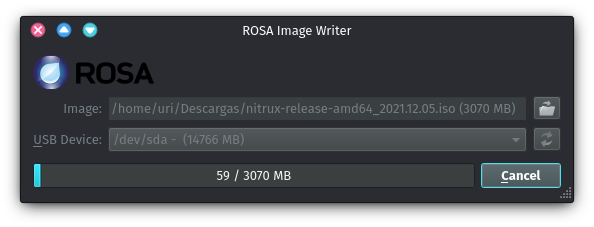
If you are using Windows or Linux and ROSA Image Writer, follow these steps:
- Download a Nitrux ISO file, and install ROSA Image Writer.
- Insert the USB flash drive into a USB port, then launch ROSA Image Writer.
- Click the folder icon to browse for the Nitrux ISO file, select it, and then select the USB device from the dropdown menu.
- Click Write to initiate the writing process.