Using QuickHash-GUI (Windows)
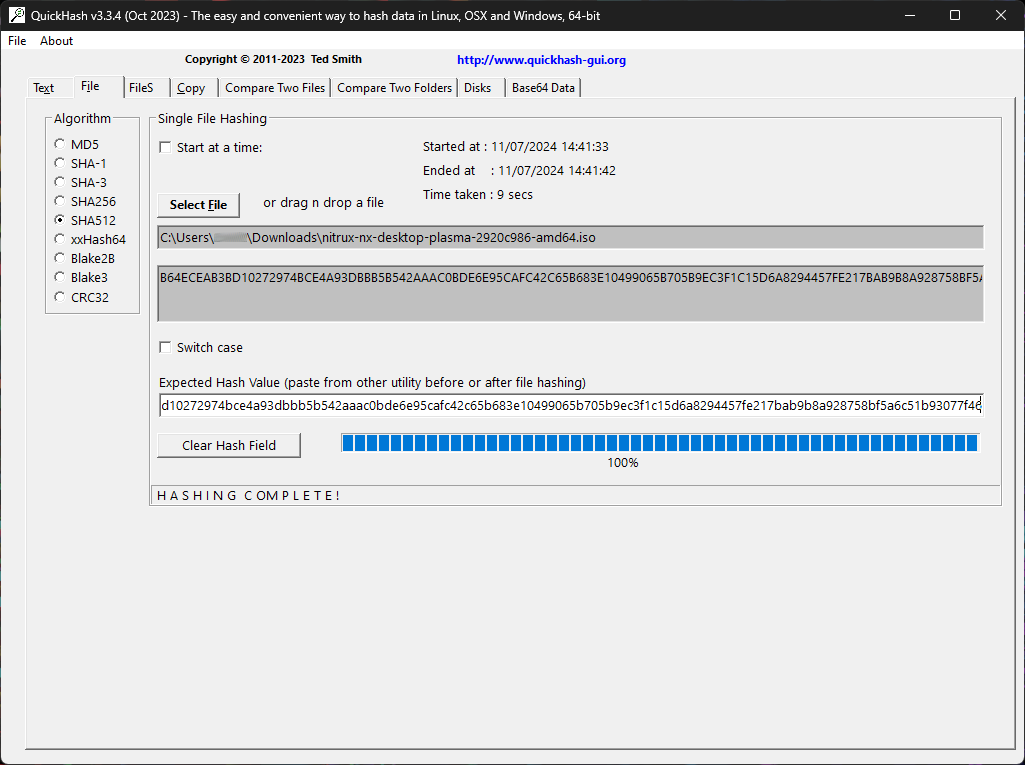
If you’re on Windows, you can use a program like QuickHash-GUI. After installing the application, select SHA-512 as the algorithm, click the “File” tab, then click the “Select File” button and navigate to the ISO directory.
QuickHash-GUI will immediately start checking the file’s checksum.
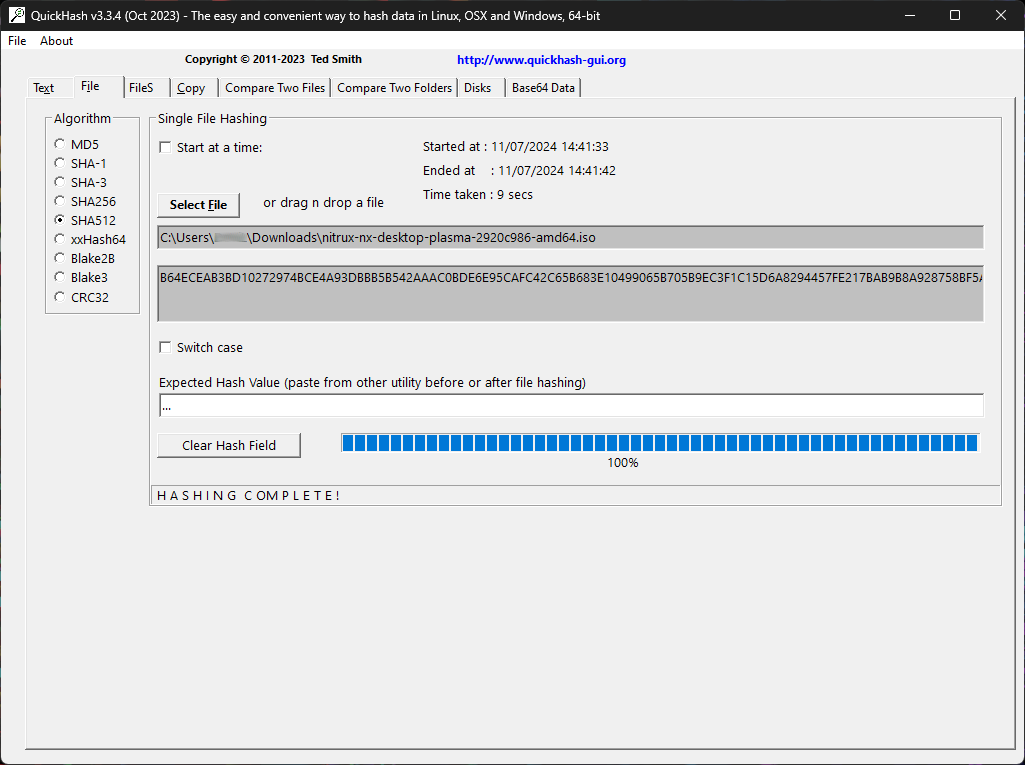
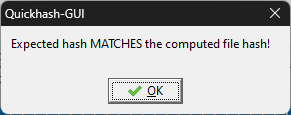
To verify that this sum matches, download the checksum file and open it using any text editor. Then, copy the sum and paste it into the field “Expected Hash Value.” QuickHash-GUI will automatically verify the sum and display a dialog if verification succeeds.