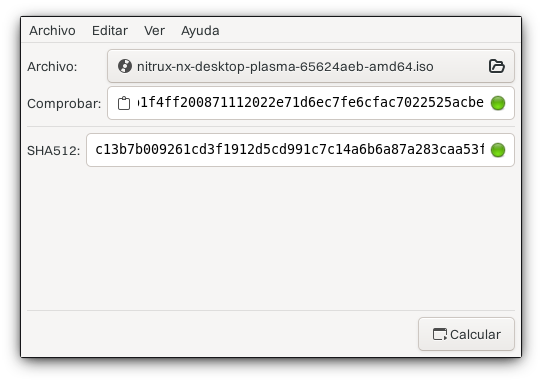
We include links to the ISO checksum file in the release announcement that we upload to Sourceforge.
Use these files with the recommended programs in this section.
Using the command line (*nix)
To verify the integrity of the ISO file, run the following command.
- Using SHA512 (Nitrux 3.2.1 and newer).
sha512sum -c path_to_checksum_file.sha512
Using QuickHash-GUI (Windows)
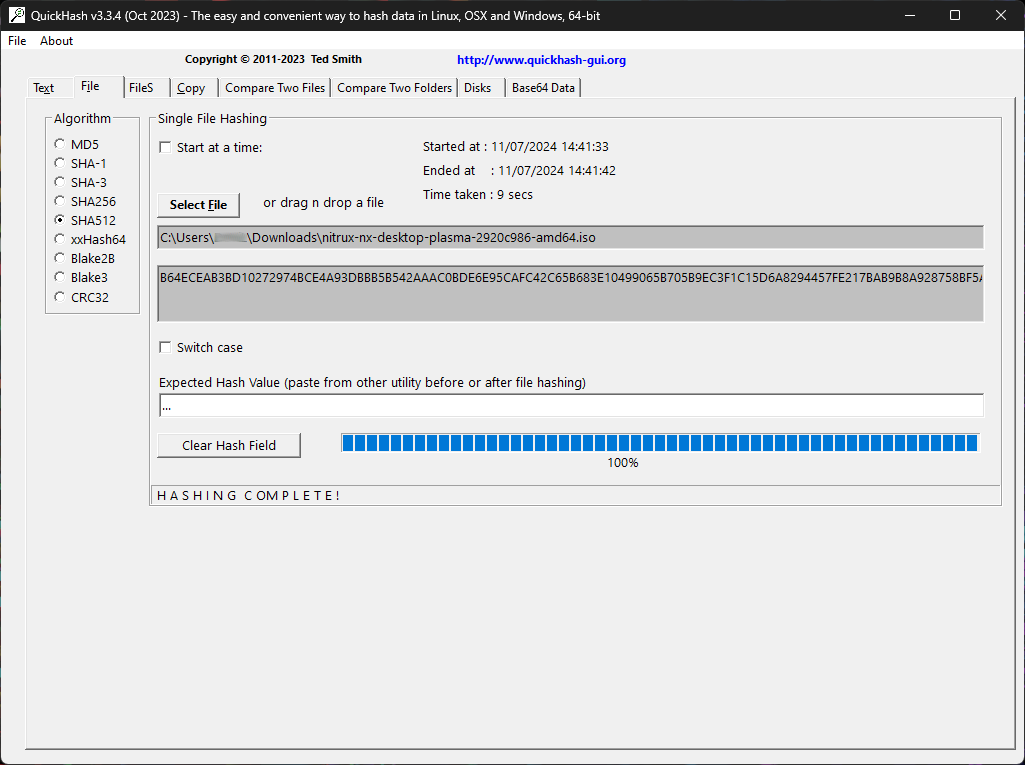
If you’re on Windows, you can use a program like QuickHash-GUI. After installing the application, select SHA-512 as the algorithm, click the “File” tab, then click the “Select File” button and navigate to the ISO directory.
QuickHash-GUI will immediately start checking the file’s checksum.
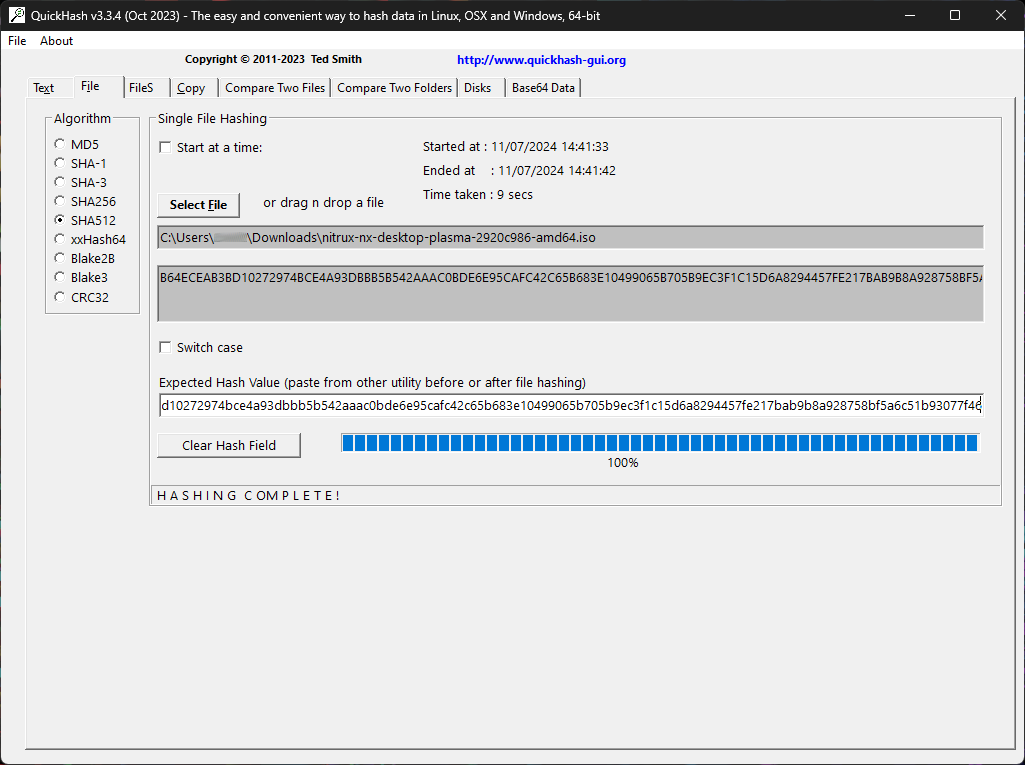
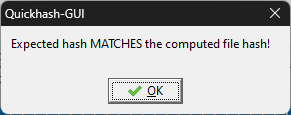
To verify that this sum matches, download the checksum file and open it using any text editor. Then, copy the sum and paste it into the field “Expected Hash Value.” QuickHash-GUI will automatically verify the sum and display a dialog if verification succeeds.
Using GtkHash (Linux)
GtkHash is a graphical application available from Flathub. After installation, select the ISO file.
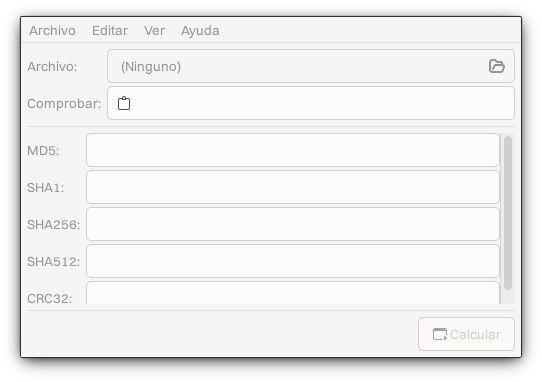
After selecting the ISO file, open the preferences and enable SHA512.
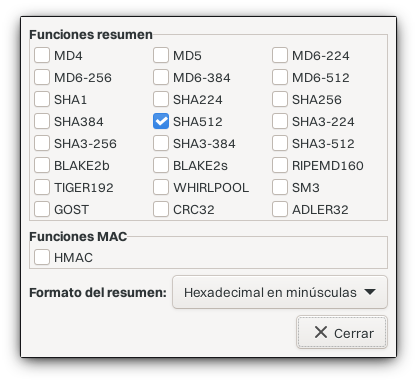
Then, after downloading the SHA512 checksum file, paste the checksum into GtkHash and click the “Calculate” button. The application will indicate whether the checksum matches.